Product updates

Changelog

Product updates, improvements, and new releases.

Moving to credit-based billing

We are transitioning from subscription-based billing (where your card is charged at the end of the month for usage) to a credit-based model with a prepaid wallet. There is no change in pricing: the per-hour rates remain the same.

  • Prepaid credits: Purchase credits upfront instead of receiving an end-of-cycle invoice.
  • Real-time wallet: See your credit balance at any time in the Developer Console.
  • Flexible top-up: Top up manually or configure auto top-up when balance drops below a threshold.
  • Notifications: Low balance, automatic top-ups, and failed payments.

There is no service disruption, and all APIs remain exactly the same.

Starter/Pro plan

Your Pro plan currently uses anniversary billing. Under the new model, you switch to a prepaid credit wallet that you top up in advance.

Phase 1: Early access (July 6)

  • New billing interface in the Developer Console.
  • Auto top-up enabled by default. Configure threshold, amount, and enable/disable.
  • Add credits to your wallet ahead of cutover.

Phase 2: Wallet provisioning via auto top-up (July 15)

  • Auto top-up enabled by default on accounts that have not configured it.
  • First top-up triggered based on your last invoice:
    • Below 10 EUR: no auto top-up
    • 10 EUR to 50 EUR: 10 EUR topped up when wallet drops below 5 EUR
    • Above 50 EUR: 50 EUR topped up when wallet drops below 10 EUR

Phase 3: Full migration (July 20)

  • Final subscription invoice issued. Account moves to the credit wallet.
  • Credits consumed based on API usage. Remaining accounts migrated in batch.

Free plan

Your free plan currently provides 10 hours of transcription per month. Under the new model, you receive a one-time grant of 50 EUR in credits. Once used, top up or upgrade to Starter to continue.

Phase 1: New interface and free credits (July 6)

  • New billing interface with 50 EUR preloaded in your wallet.
  • Credits visible but not yet consumed. API keys, endpoints, SDKs unchanged.

Phase 2: Credits go live (July 20)

  • Credits consumed based on API usage.
  • Top up your wallet once free credits are used.

SDK release: JavaScript 1.0.7 and Python 1.0.3

Two updates to the Gladia SDKs for real-time transcription: connect to sessions your backend created, and keep long-running streams alive through reconnects.

  • Keep API keys off the client: Your backend creates the real-time session. The browser or mobile app calls connect_session() with the session ID and WebSocket URL. No Gladia API key in frontend code.
  • Reliable reconnects on long sessions: After a disconnect, buffered audio is resent in safe chunks instead of one oversized frame, so transcription resumes correctly.

SDK release: JavaScript 1.0.7 and Python 1.0.3

Get the latest versions on npm or PyPI. Feel free to open feature requests or issues on GitHub.

Attendee integration

Gladia now integrates with Attendee, an open-source Meeting Bot API.

Attendee integration

Drop a bot into any Zoom, Google Meet, or Microsoft Teams call with one API call.

Get real-time transcription, automatic language detection, and per-participant speaker diarization on the final recording. No RTC plumbing required.

What you can build:

  • Meeting assistants with notes, summaries, and action items
  • LLM agents that join calls and understand speakers in real time

Learn more about the integration in our documentation.

Solaria-3: Our new speech-to-text model

Solaria-3 is built for production audio: noisy, fast-paced, and conversational. Best-in-class on real customer recordings in English and core European languages, with higher precision on the names, terms, and entities that matter most in business scenarios.

  • Best on real English audio: 9.6% WER on Gladia's internal production dataset of real customer calls, annotated by humans, and 26% better than Solaria-1.
  • #1 on business calls and telephone speech: Leading WER on Earnings22 (6.4%, only model under 7%) and Switchboard (33.9%, all competing providers above 42%).
  • Most accurate model for European languages: Consistent accuracy gains across English (-26%), French (-18%), Italian (-10%), Spanish (-9%), and German (-3%) vs. Solaria-1 on real customer audio.

Get started with Solaria-3

Try it now on the Developer Console, or read more about benchmarks and use cases on gladia.io/solaria-3.

SOC 2 Type II & HIPAA Renewal

Gladia has successfully renewed its SOC 2 Type II and HIPAA certifications, reaffirming our commitment to the highest standards of data security and privacy for every customer.

These certifications complement our existing GDPR compliance and ISO 27001 certification, giving you a comprehensive security posture you can trust.

SOC 2 Type II & HIPAA Renewal

Review our compliance posture

Visit the Compliance Hub for certificates, audit reports, and details on our security practices.

AI Meeting Assistant Market Map

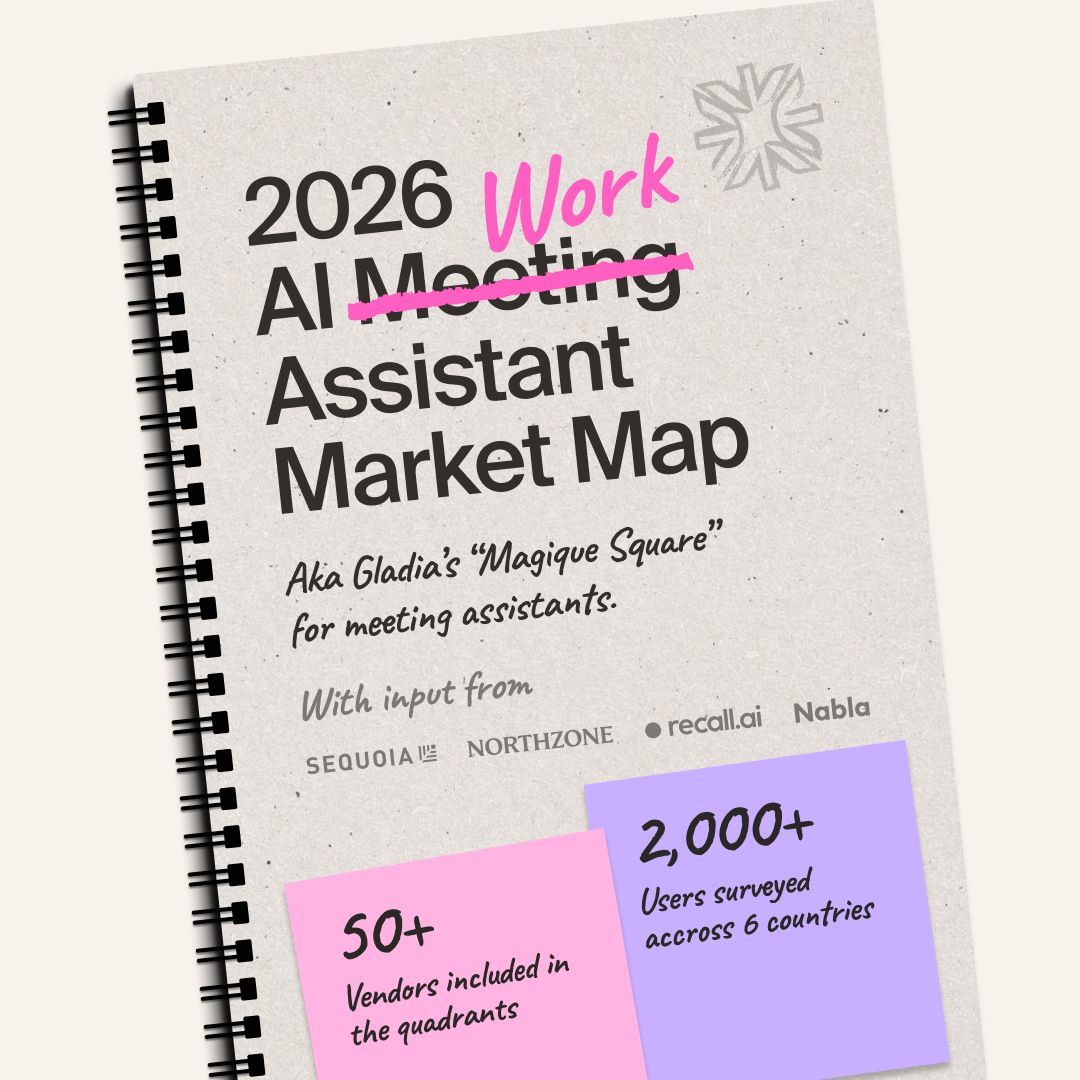
Gladia published the first-ever market map of the meeting assistant space, featuring Granola, Fathom, Fireflies.ai, Gong, and many more.

AI Work Assistant Market Map

Meeting assistants are no longer just productivity tools. The best ones are racing to become the central nervous system of how teams collaborate, decide, and act. In a market moving this fast, knowing where each player is placing their bets matters.

  • 100+ tools reviewed: Half placed across four competitive moats
  • 2,000+ people surveyed: A global survey of active meeting assistant users
  • Investor perspectives: Interviews with investors from Northzone and Sequoia Capital
  • Founder conversations: Insights from Nabla, Recall.ai, and more

Explore the market map

See the full report at gladia.io/meeting-assistant-market-map.

Multilingual Normalization Library

Gladia's open-source normalization library now supports French, German, Spanish, Italian, and Dutch, in addition to English.

Multilingual Normalization Library

  • Language-specific number expansion: Each language gets its own number-to-digit conversion logic, tuned to local conventions.
  • Compound number handling: Proper support for Dutch and German compound numbers.
  • Gendered forms: Correct masculine, feminine, and neutral forms for Spanish and Italian.
  • Special constructs: Coverage for language-specific patterns like "quatre-vingts" in French.

Explore the repository

The library is open-source on GitHub.

Asynchronous SDK

Gladia's SDK 1.0.0 version covers the Asynchronous Speech-to-Text API for TypeScript/Javascript and Python.

Asynchronous SDK

Integrating an SDK for Gladia's Asynchronous STT API boils down to these key advantages:

  • Zero Boilerplate: Abstracts the manual "Upload → Poll → Retrieve" cycle into a single, clean function call.
  • Error Resilience: Includes built-in retry logic and type-safety, handling network hiccups and API errors out-of-the-box.
  • Minimal Code: Reduces hundreds of lines of complex "plumbing" to a few robust, highly readable lines of code.
  • Accelerated Time-to-Market: Requires significantly less specialized API knowledge, allowing teams to ship features in hours, not weeks.
  • Native Ecosystems: Fully optimized for our customers stack with dedicated libraries available in Python and TypeScript.
  • Full Feature Parity: Provides instant access to the complete suite of Gladia's intelligence features, including Speaker Diarization, Sentiment Analysis, Summarization, and PII Redaction.

The package are available on pip and npm:

  • pip install gladiaio-sdk for Python.
  • npm install @gladiaio/sdk for TypeScript/Javascript

Easiest way to transcribe an url in Python:

from gladiaio_sdk import GladiaClient
print(GladiaClient(api_key="{API_KEY}")
	.pre_recorded_v2()
	.transcribe("https://github.com/gladiaio/gladia-samples/blob/main/data/anna-and-sasha-16000.wav?raw=true")
	.result.transcription.full_transcript)

Get started with the SDK

Audio to LLM is now generally available

Voice content keeps growing, but product teams still lose time wiring transcription to LLMs by hand. Audio to LLM closes that gap: one API path from audio to transcript to insight, so you spend less time on glue code and more time on the product experience your users see.

Audio to LLM graduates from alpha to stable, supported for pre-recorded transcription.

Audio to LLM

Highlights

  • Ship faster on voice data: Turn calls, meetings, and interviews into summaries, follow-ups, compliance checks, or CRM-ready notes without building a separate LLM pipeline.
  • Prompts you control: Ask for bullet takeaways, action items, tone checks, red flags, or anything else you would ask an analyst. Run multiple prompts at once and get one answer per question.
  • Built-in intelligence, default speed: Out of the box, responses use a fast, efficient model suited to high-volume workloads. Enterprise accounts can optionally choose from the 700+ models they need heavier models or a specific vendor.

Try it out

Head over to the Audio to LLM documentation to get started.

Open Benchmark for Speech-to-Text, 2026

Gladia has published a fully open, reproducible benchmark comparing Solaria-1 against 8 leading speech recognition providers across 7 datasets and 74+ hours of audio in 6 languages. The full methodology and evaluation framework are open-sourced.

Open Benchmark for Speech-to-Text

  • Transparent & Reproducible: Every audio file is sent to every provider's production API with default settings: no custom tuning or prompt engineering. All results can be independently verified.
  • Standardized Normalization: Transcripts are normalized using gladia-normalization (open-source Python package) before WER computation, eliminating formatting differences that inflate error rates.
  • Broad Domain Coverage: Evaluation spans conversational telephone speech (Switchboard), multilingual reading (Common Voice 24, MLS), financial calls (Earnings22), parliamentary speech (VoxPopuli), and streaming scenarios (Pipecat).
  • 6 Languages Evaluated: English, French, German, Spanish, Italian, and Portuguese.
  • 8 Providers Compared: Gladia Solaria-1, AssemblyAI (U3 Pro & U2), ElevenLabs Scribe V2, Deepgram Nova-3, Speechmatics Enhanced, Soniox V4, and Mistral Voxtral Mini Transcribe 2.

Read the full benchmark

Longer Login Sessions

The automatic logout behavior on the Gladia Playground (app.gladia.io) has been removed. Sessions now persist much longer, so you stay authenticated throughout your work.

Longer Login Sessions

  • Google SSO: Sessions stay active without forced re-login.
  • Email / Password: Same improvement, no more hourly disconnects.
  • Seamless Workflow: Keep working across long transcription sessions, dashboard reviews, or API key management. Your session stays active throughout.

Open the Playground

Try the longer sessions now at app.gladia.io.

Hebrew Transcription: Major Accuracy Upgrade

Gladia's Asynchronous API now delivers a 3x accuracy improvement on Hebrew transcription, powered by Solaria-1. The Word Error Rate drops from 27.1% down to 7.5%.

Hebrew Transcription

  • 3x More Accurate: WER reduced from 27.1% to 7.5%, bringing Hebrew on par with top-tier language support.
  • Robust in the Real World: The model handles a wide range of Hebrew accents, speaking styles, and audio conditions with high reliability.
  • Simple Activation: Just set language to he in your request, the accuracy gain applies automatically.

Code Switching is not supported, only one language must be specified in the languages configuration.

Configuration example:

language_config": {
    "languages": ["he"],
    "code_switching": false
  }

ISO 27001 & ISO 27701 Certification

Gladia is now officially ISO 27001 and ISO 27701 certified. Our information security management system is built, audited, and continuously maintained in line with these internationally recognized standards.

ISO 27001 & ISO 27701 Certification

Review our compliance posture

Visit the Compliance Hub for certificates and details on our security practices.

PII Redaction

Gladia's Pre-recorded API now supports automatic detection and redaction of Personally Identifiable Information (PII) in transcripts.

PII Redaction

Handling audio data often involves processing conversations that contain sensitive information. PII Redaction helps you:

  • Privacy Compliance: Comply with regulations like GDPR, CCPA/CPRA, HIPAA, and APPI out-of-the-box.
  • Data Protection: Automatically replace sensitive entities (names, emails, phone numbers, addresses, financial details) with safe markers or masks.
  • Consistent Entity Tracking: Same entity mentioned multiple times receives the same marker ID (e.g. "John Smith" becomes [NAME_1] everywhere), enabling downstream LLM reasoning without exposing raw PII.
  • Flexible Output Modes: Choose between MASK (character-level masking: #### #####) or MARKER (labeled placeholders: [NAME_1], [EMAIL_1]).
  • Preset Entity Groups: Use built-in presets like GDPR, HIPAA_SAFE_HARBOR, PCI, CPRA, or specify individual entity types for fine-grained control.
  • Broad Entity Coverage: Supports 40+ entity types across Core PII, Financial/PCI, Sensitive/GDPR Article 9, and Healthcare categories.

Enable PII Redaction with a single parameter:

{
  "audio_url": "YOUR_AUDIO_URL",
  "pii_redaction": true
}

Customize behavior with pii_redaction_config:

{
  "audio_url": "YOUR_AUDIO_URL",
  "pii_redaction": true,
  "pii_redaction_config": {
    "entity_types": ["GDPR"],
    "processed_text_type": "MARKER"
  }
}

Example output with MARKER mode:

Original: Hi, I'm calling about the order for John Smith. Can you confirm the delivery to john.smith@company.com? Redacted: Hi, I'm calling about the order for [NAME_1]. Can you confirm the delivery to [EMAIL_1]?

Read the documentation

See the PII Redaction guide for the full list of entity types and configuration options.

Zero Data Retention

Zero Data Retention (ZDR) ensures that data storage is minimized at all stages of the transcription pipeline. Data is processed ephemerally and deleted immediately after processing. No data is stored at rest.

ZDR is available for both asynchronous and real-time transcription.

This feature is available on Enterprise plans only (not available on free or pay-as-you-go plans).

Zero Data Retention

What happens when ZDR is enabled

No audio files stored

  • Audio files cannot be retrieved via the API or the Developer Console.
  • File upload is disabled; customers must use audio_url (e.g. S3 presigned URLs).

No transcripts stored

  • The API cannot return a transcription after processing.
  • Transcripts are delivered through callbacks only.

No metadata stored

  • Once the transcription is complete, everything is deleted (audio, transcript, metadata).

What Gladia still retains (even with ZDR)

  • Essential API metadata for usage tracking and billing: request_id, timestamp, processing_status, and audio_duration.
  • Immutable logs for a limited period, for service quality, reliability, and security.

Learn how data retention works

Read the full Data Retention documentation for configuration details.