Lorem ipsum dolor sit amet, consectetur adipiscing elit, sed do eiusmod tempor incididunt ut labore et dolore magna aliqua. Ut enim ad minim veniam, quis nostrud exercitation ullamco laboris nisi ut aliquip ex ea commodo consequat. Duis aute irure dolor in reprehenderit in voluptate velit esse cillum dolore eu fugiat nulla pariatur.
Gladia MCP for speech-to-text right inside Claude, ChatGPT, and Cursor
Your AI assistant already reads your code, your docs and your tickets. But a lot of what your team knows lives in calls. Some assistants can take in audio, but an LLM isn’t built for transcription. A dedicated speech-to-text model is more accurate on long recordings, accents and domain terms. So getting a reliable transcript still means using a separate tool and pasting the text back into the chat.
MiFID II and FCA call recording: compliance for voice transcription in finance
TL;DR: Financial firms operating under MiFID II and FCA jurisdictions must maintain searchable, high-accuracy records of all client-related voice communications, including remote and mobile calls under FCA Market Watch 66. Engineering and product teams building for these obligations typically implement dedicated cloud infrastructure with defined data residency, controls that prevent customer audio from being used to retrain models on Growth and Enterprise plans, and transcription accurate enough that the resulting records hold up under regulatory review. Transcription and speaker attribution errors are not product quality issues in this context. They are audit trail failures, and regulators treat them as such.
Why speech-to-text accuracy matters upstream of your LLM
TL;DR: Downstream LLM performance is ceiling-bounded by upstream transcription accuracy. A transcript with a meaningful error rate doesn't produce proportionally degraded summaries or CRM entries. It produces outputs where hallucinated names, inverted logic, and misattributed speaker turns compound silently into every downstream system that reads them. Prompt engineering cannot recover information the STT layer never captured. Gravite cut call quality review time by 93%, from 15 minutes to 1 minute per call, once transcript accuracy was high enough to trust the output without manual verification.
Every dictation app demo looks the same: someone talks, words appear, everyone's impressed. What separates these tools only shows up after months of daily use: what it costs once the free tier runs out, whether your audio ever leaves your machine, whether you're locked into someone else's server just to type into your own apps. Wispr Flow is the app most people mean when they search for AI dictation software, and it earned that reputation fair and square. It's also a $144-a-year subscription, cloud-only with no offline mode, and closed-source, which is why this list exists.
Here's the short version before we get into why each option made the cut.
TL;DR:
If you want the closest match to Wispr Flow's polish, look at Willow Voice or Aqua Voice.
For offline, privacy-first dictation, Superwhisper and VoiceInk are both a decent fit.
If you only need file transcription rather than live typing, MacWhisper.
And if you want the dictation experience without the subscription (open source, pay only for what you use), that's the gap GladiaFlow was built to fill.
Why people look for a Wispr Flow alternative
Wispr Flow earned its reputation honestly. It was one of the first dictation apps to feel genuinely fast and unobtrusive, and for a lot of people it's still the default recommendation. The reasons to look elsewhere usually come down to three things: price ($144/year on the annual Pro plan adds up if you're one of several people on a team), the fact that every word you dictate goes to Wispr's cloud with no offline option, and the closed-source codebase, which means you can't see how your audio is handled or change anything about it.
None of that makes Wispr Flow bad. It makes it one point on a spectrum: cloud vs. local, subscription vs. one-time or pay-per-use, closed vs. open. Where you land on that spectrum depends on what you're optimizing for.
Quick comparison
Tool
Best for
Platforms
Pricing
Open source
Works offline
Wispr Flow
The most polished all-around option
macOS, Windows, iPhone, Android
Free (2,000 words/wk) → $12–15/mo ($144/yr)
No
No
Willow Voice
Teams that want shared dictionaries
macOS, Windows, iPhone, Android
Free (2,000 words/wk) → $12–15/mo; Team from $10/user/mo
No
No
Aqua Voice
Technical/jargon-heavy dictation
macOS, Windows, iOS
Free (1,000 words) → $8/mo ($96/yr); Max $24/mo
No
No
Superwhisper
Offline privacy on Mac, with cloud as an option
macOS, Windows, iOS
Free tier → $8.49/mo or $249.99 lifetime
No
Yes (local models)
Voibe
Privacy-first dictation, on-device on Mac
macOS, Windows
7-day trial → $7.50–9.90/mo ($59/yr) or $149 lifetime
No
Yes (Mac, on-device only)
VoiceInk
Fully local, open-source, one-time price
macOS only
$29–69 one-time, or free to build from source
Yes (GPL v3)
Yes, always local
MacWhisper
Transcribing recordings, not live dictation
macOS only
Free tier → ~$69 one-time (Gumroad) or App Store subscription
No
Yes, always local
GladiaFlow
Open-source dictation, pay only for API usage
macOS, Windows
Free app + pay-as-you-go API (~$3/mo for heavy use)
Yes (MIT)
No (cloud API)
Wispr Flow: what you’re comparing against
Choose this if: you want the most polished, least-configuration option and don't mind paying a subscription for it.
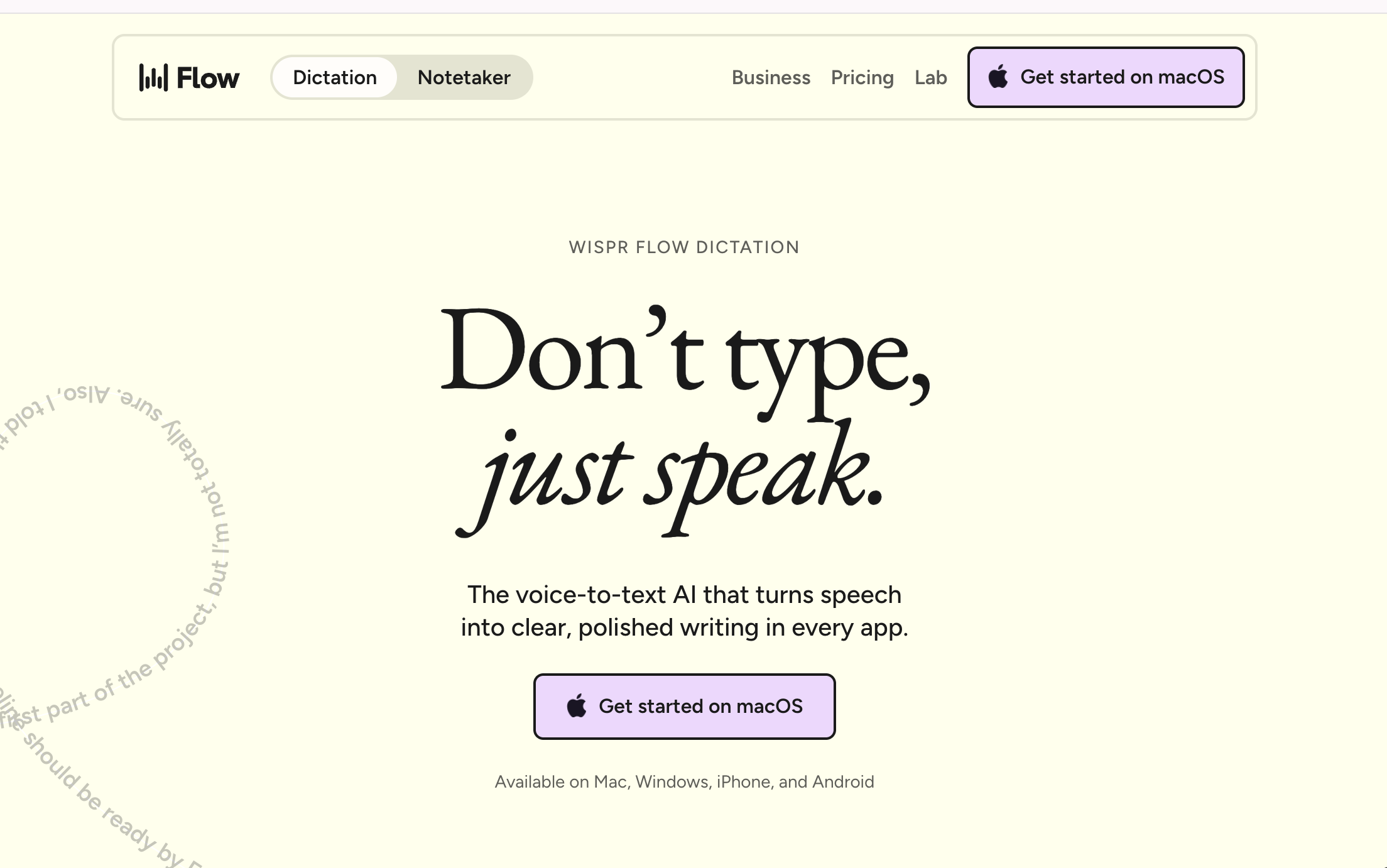
Wispr Flow is a cloud-based dictation app for macOS, Windows, iPhone, and Android that types your speech into any text field after cleaning it up with an AI pass, including punctuation, filler-word removal, light formatting. What sets that cleanup apart from basic transcription is that it's context-aware: Wispr Flow detects which app you're dictating into and adjusts tone accordingly, so a Slack message comes out casual while an email comes out formal, and Command Mode (Pro only) lets you edit what you just said with a voice instruction — "make this shorter," "turn this into bullet points" — instead of doing it by hand.
The free Basic plan caps out at 2,000 words a week on desktop and 1,000 on iPhone; Pro removes the cap and adds Command Mode for $15/month, or $12/month billed annually. Every plan requires an internet connection, since transcription and cleanup both happen in Wispr's cloud. It's the benchmark this whole category gets measured against, which is exactly why the rest of this list exists.
Willow Voice
Choose this if: you want Wispr Flow's exact experience but with team features it doesn't have.
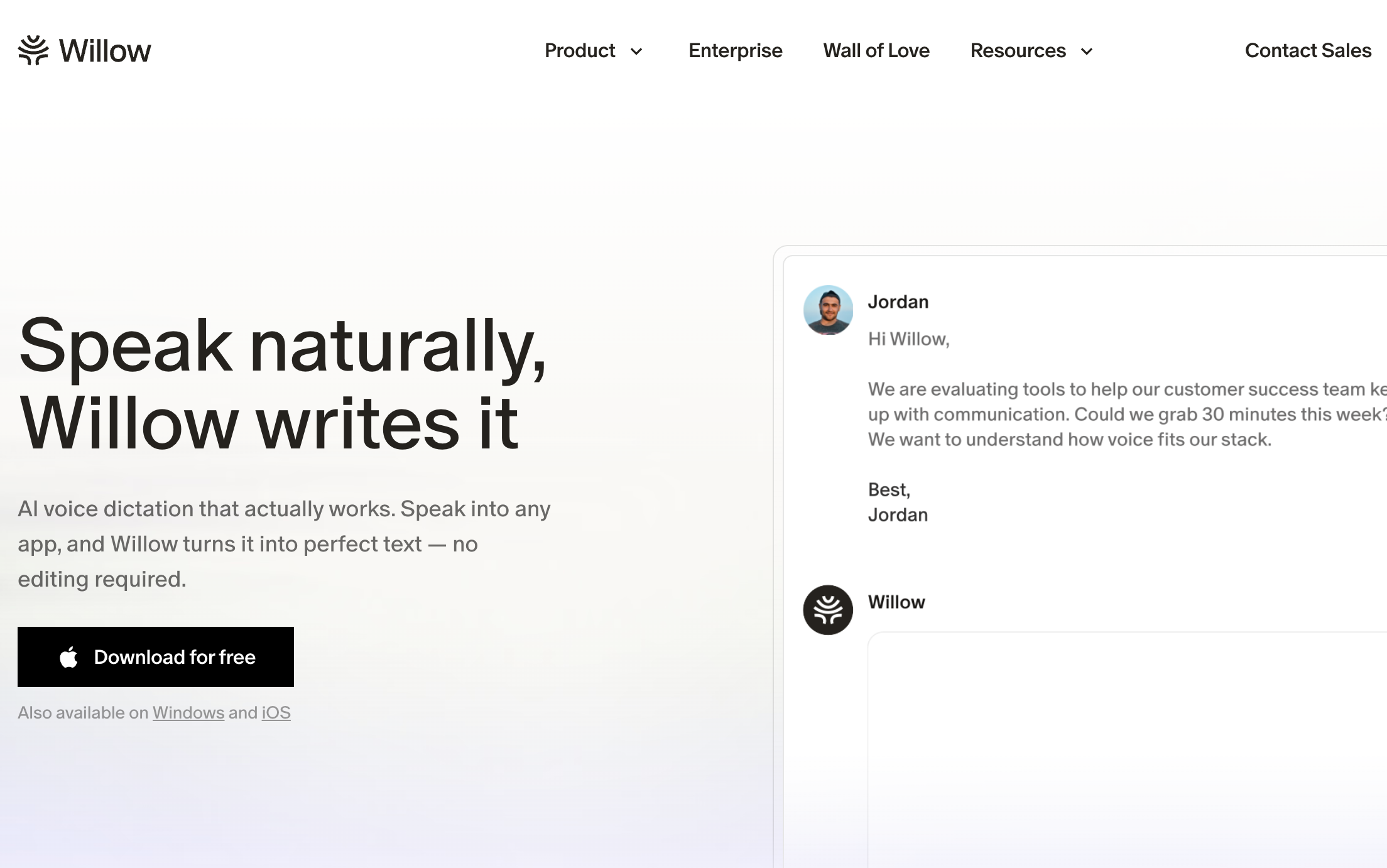
Willow Voice is the closest like-for-like competitor to Wispr Flow: same pitch (system-wide dictation, cross-platform, AI-cleaned output), same price $12–15/month, $144/year annual, same cloud-only architecture. The differentiator is that Willow leans further into teams with shared dictionaries, centralized admin, a Team plan from $10/user/month with a three-seat minimum. It also has a style memory, which is supposed to get better at matching your voice to your usual writing tone the more you use it.
If you were already leaning toward Wispr Flow for the polish and just want to compare pricing and team features before committing, Willow is the natural side-by-side. Neither works offline, so this is a lateral move on privacy, not an upgrade.
Aqua Voice
Choose this if: most of what you dictate is technical, including code, prompts, product specs, and so on.
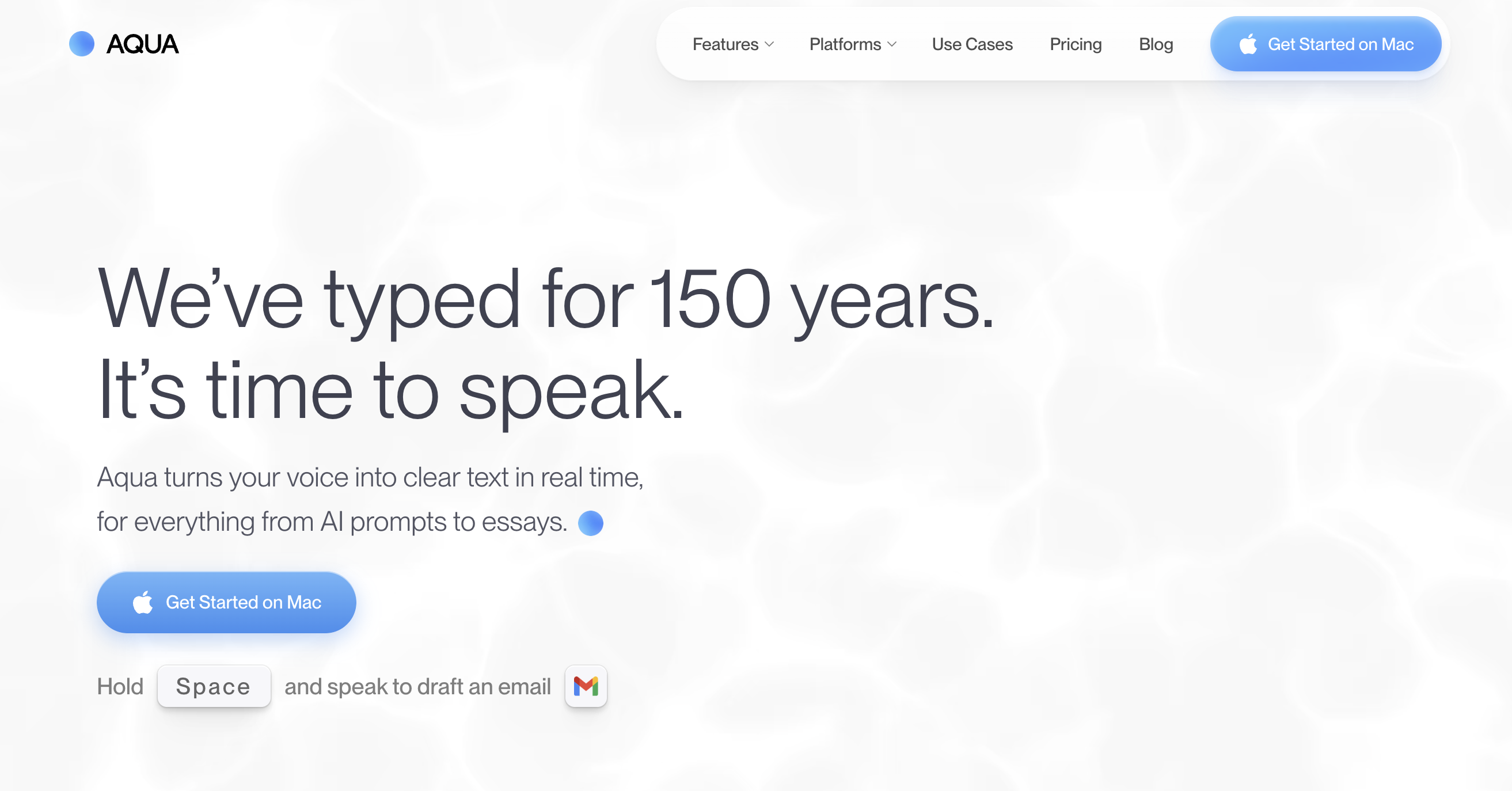
Aqua Voice trades Wispr Flow's general-purpose cleanup for a model, Avalon, built specifically around how people dictate to a computer with code-adjacent language and technical vocabulary. It runs on macOS and Windows, with an iOS app that launched in 2026, and supports 49 languages. Pricing starts with a free 1,000-word Starter tier, then Pro at $8/month billed annually for unlimited words and a custom dictionary, and Max at $24/month for a "Realtime Mode" that shows words as you speak rather than after a short buffer. Like Wispr Flow and Willow, it's cloud-only. There's no offline mode, and every phrase is processed on Aqua's servers. Worth a look if your dictation is mostly technical rather than conversational prose.
Superwhisper
Choose this if: the cloud dependency itself is the problem, but you still want a polished, cross-platform app.
Superwhisper is the pick if the cloud dependency is the actual problem you're trying to solve. It runs local Whisper and Parakeet models directly on your Mac, Windows PC, or iPhone, so dictation keeps working with no internet connection and your audio never has to leave the device. You can also opt into cloud models if you want the extra polish, but it's not required. The free tier is genuinely usable; Pro unlocks unlimited use of both local and cloud models, per-app "modes" with custom AI instructions, and meeting recording, for $8.49/month, $84.99/year, or a $249.99 lifetime license that covers Mac, Windows, and iPhone on one purchase. It's SOC 2 Type II and HIPAA-capable when run in local mode, which makes it one of the few options in this list that clinicians, lawyers, or anyone handling sensitive audio can use without a second thought.
The tradeoff is setup: more configuration surface than Wispr Flow, and accuracy on local models scales with how much hardware you're willing to throw at it.
Voibe
Choose this if: privacy is the priority, but you also want a Windows option and don't need Superwhisper's local-model tinkering.
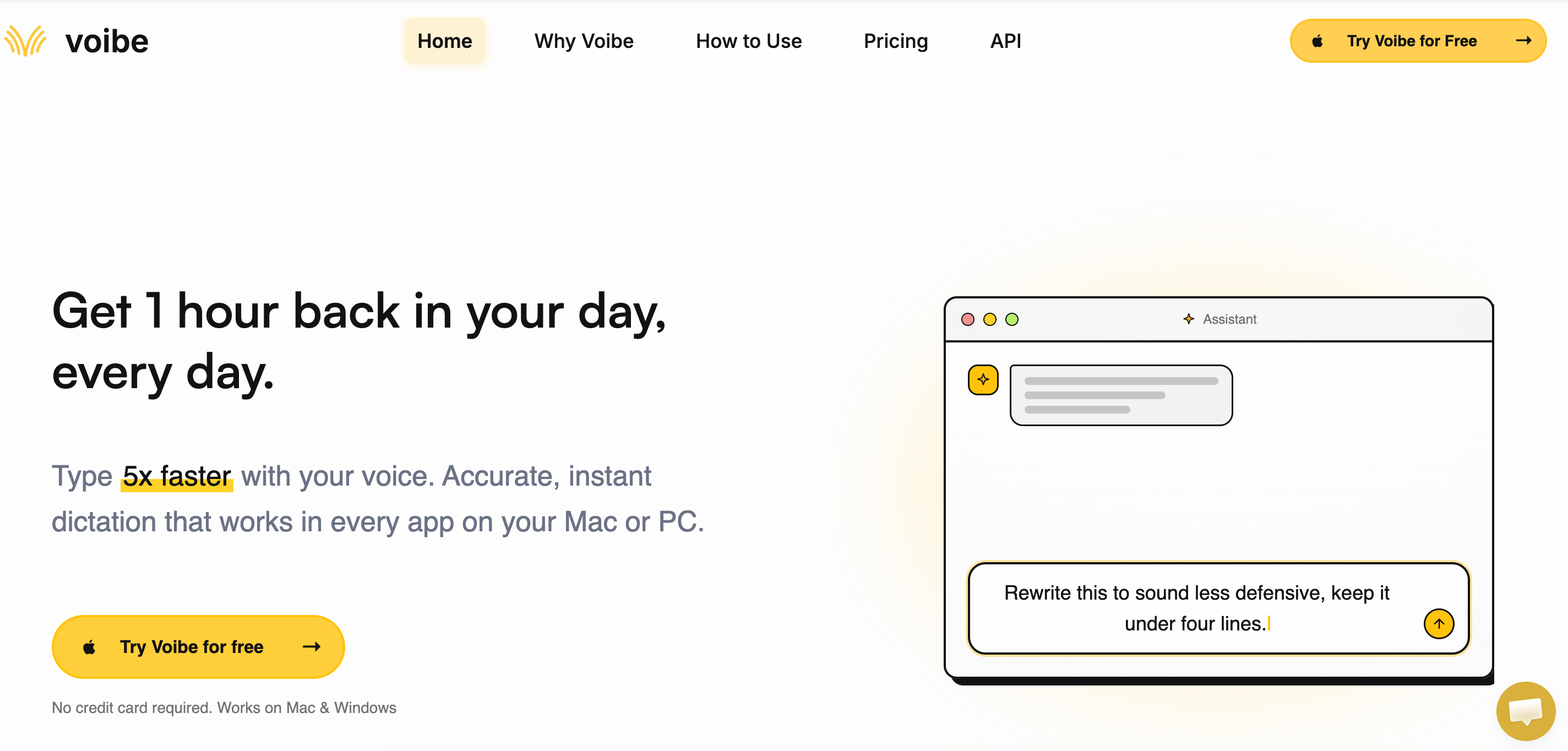
Voibe is a dictation app for Mac and Windows built around the same complaint that drives most of this list: your voice goes through someone else's servers and you don't know what happens to it after. On Apple Silicon Macs, Voibe can run fully on-device, so audio never leaves the machine; on Windows, and on Intel Macs, it falls back to a zero-retention cloud mode built only on open-source models, with audio deleted the instant it's transcribed and never used to train anything. Either way it works like the rest of this list: hold a hotkey, speak, release, and the text lands wherever your cursor is, with custom vocabulary, spoken punctuation, and a Developer Mode that resolves file and variable names in Cursor, VS Code, and Windsurf.
Pricing is a 7-day free trial with no credit card, then $7.50/month billed annually ($59/year) or $9.90 month-to-month, plus a $149 lifetime option. That undercuts Wispr Flow and Willow's $12–15/month, but it isn't open-source the way GladiaFlow or VoiceInk are — you're paying for a polished, privacy-focused app rather than building or plugging in your own API key.
VoiceInk
Choose this if: you're on a Mac, want everything processed locally, and would rather pay once than monthly.
VoiceInk is one of the open-source options people mean when they ask for a "free Wispr Flow alternative." It's built in Swift, runs entirely on-device using whisper.cpp, and the full source is public on GitHub under the GPL v3 license with thousands of stars. You can build it yourself for free, or buy the packaged app for $29 (Solo, one Mac) up to $69 (Extended, three Macs), a one-time price with no subscription. It includes a "Power Mode" for per-app configuration and a personal dictionary for names and jargon.
The catch is platform: VoiceInk is Mac-only, with no Windows, Linux, or mobile build, and because it's a smaller, community-maintained project, it trails the funded competitors on polish and update cadence. If your whole workflow lives on a Mac and is open-source, fully local processing matters more to you than cross-platform reach, it's a decent, honest option.
MacWhisper
Choose this if: you need to transcribe recordings, such as meetings, interviews, and podcasts, not dictate live into apps.
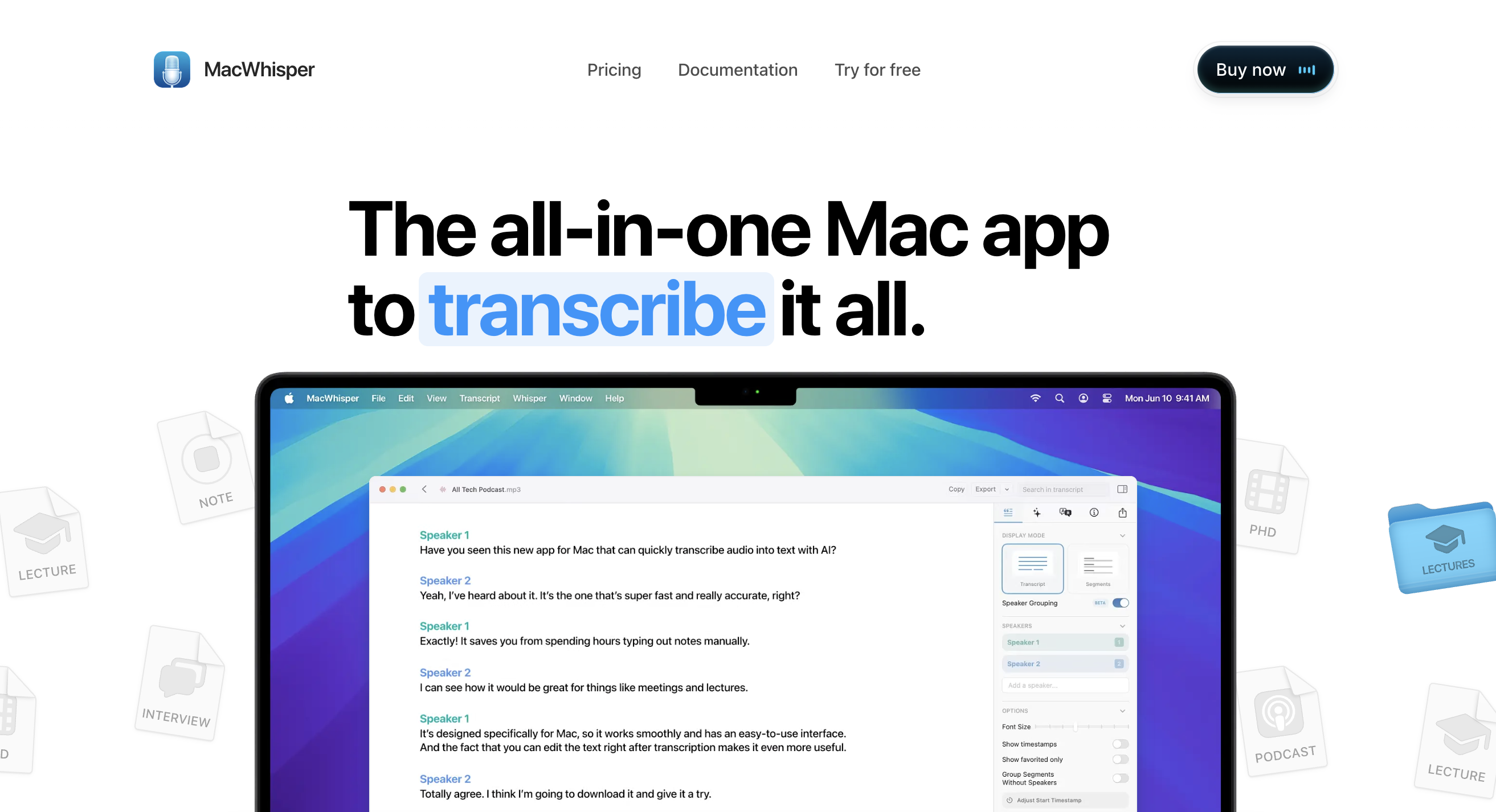
MacWhisper solves a slightly different problem than the rest of this list: it's built for transcribing existing audio and video. It runs OpenAI's Whisper model locally on Apple Silicon, so transcription is private and works offline, and it handles things live-dictation tools don't: batch folder processing, YouTube URL transcription, subtitle export to SRT/VTT, and beta speaker diarization for multi-person recordings. Pricing is a free tier with smaller models, then Pro at roughly $69 one-time on Gumroad (the App Store version, listed separately as "Whisper Transcription," uses a $29.99/year subscription instead — same features, different billing). It does include a basic live-dictation mode, but that's the secondary feature here, not the reason to buy it.
If what you actually need is "type into any app while I talk," look elsewhere on this list; if you need "turn this hour of recorded audio into a clean transcript," MacWhisper is a better fit than any dictation-first tool.
GladiaFlow
Choose this if: you want the Wispr Flow mechanic without a subscription, need it open-source, and want EU-grade privacy and data security by default, with the flexibility to host in the US too.
Full disclosure, GladiaFlow is built by Gladia. We’re a specialized speech-to-text provider, and a while back it seemed silly that our own team was still typing everything by hand. So we put a desktop dictation client on top of our own real-time API and started using it internally for Slack messages, commit messages, and mostly for dictating prompts into Claude and Cursor instead of typing them. It turned out so good that keeping it to ourselves felt like the wrong call, so we open-sourced it under the MIT license in July 2026.
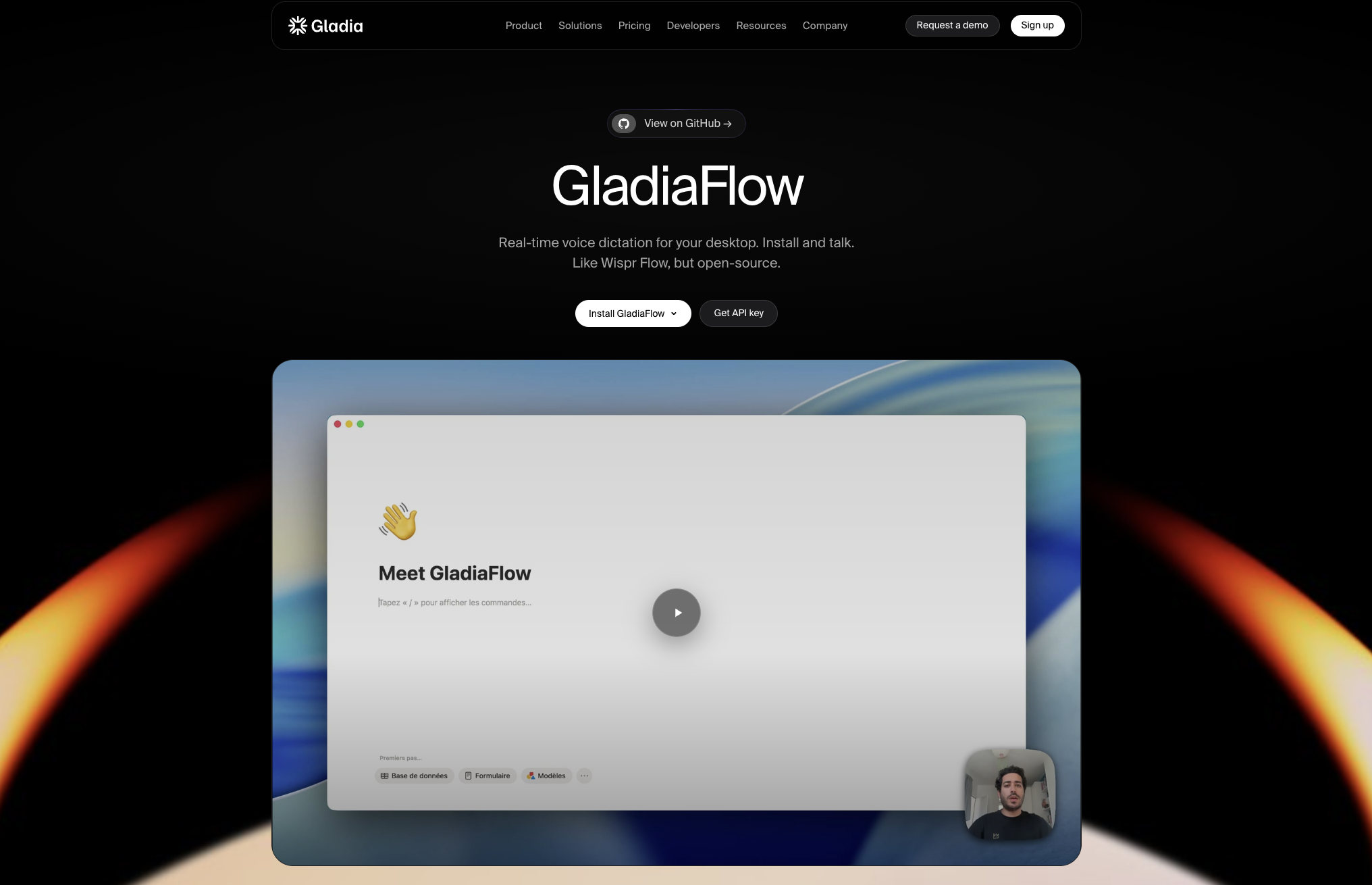
With that context: here's what it does. GladiaFlow runs on macOS and Windows, holds a hotkey, and streams your voice to Gladia's real-time API as you talk, typing the transcript directly into whatever field is focused: Slack, Notion, Gmail, Cursor, a terminal, an internal tool that's never heard of GladiaFlow. Because it types at the OS level instead of integrating app-by-app, there's nothing to wait for when a new app shows up. It's tuned for real-life dictation, handling 100+ languages with mid-sentence code-switching, and supporting custom vocabulary for names, acronyms, and product jargon.
The bigger structural difference is pricing. The app itself is free. Transcription runs through your own Gladia API key on a pay-as-you-go basis, and a genuinely heavy daily user, dictating for a meaningful chunk of the workday, lands around $3/month, roughly a quarter of what Wispr Flow or Willow Voice charge ($12–15/month) and less than half of Aqua Voice Pro or Superwhisper ($8–8.49/month) for the same volume of speech. New accounts also get €50 in transcription credits, which is enough to dictate for free for up to a year, depending on how heavily you use it.
You pay for the audio you actually send, not a seat you forgot to cancel, and new accounts get €50 in transcription credits with no expiry. It's not offline, streams to a cloud API, and the entire client is open source: you can read exactly what it sends, fork it, or wire it into your own workflow. The code is on GitHub under the MIT license. Note that beyond transcription itself, the feature set is leaner than paid alternatives, which makes it a better fit if you're comfortable tinkering and building on top of it vs. prefer everything handled out of the box.
Here's what it looks like in practice:
There's no iOS, Android, or Linux build yet but open source means the community can build one. If you want the Wispr Flow experience with none of the subscription and full visibility into the code, GladiaFlow is a strong alternative.
How to choose:
You want the least friction, cross-platform: Wispr Flow or Willow Voice. Both are polished, cloud-based, and work the same way on every device.
Your dictation is technical or code-adjacent: Aqua Voice, tuned specifically for that use case, or GladiaFlow / Willow if you're already dictating prompts into an AI coding tool.
Privacy or offline access is non-negotiable:Superwhisper (Mac/Windows/iOS, local models with a cloud option), Voibe (Mac/Windows, on-device on Apple Silicon, zero-retention cloud elsewhere), or VoiceInk (Mac-only, always local, open source).
You need to transcribe recordings, not type live: MacWhisper for files.
You want open-source and to stop paying for a subscription you barely use: VoiceInk if you're Mac-only and want a one-time price; GladiaFlow if you're on macOS or Windows and would rather pay per word than per seat.
FAQs
Is there a free Wispr Flow alternative?
Yes. GladiaFlow's app is free with pay-as-you-go API costs that run around $3/month for heavy daily use and is open-source. It’s meaningfully cheaper than Wispr Flow's $144/year Pro plan.
What's the best open-source Wispr Flow alternative?
VoiceInk (GPL v3) and GladiaFlow (MIT) are the two real open-source options. VoiceInk is Mac-only and processes everything locally with whisper.cpp; GladiaFlow runs on macOS and Windows and streams to Gladia's cloud API on a pay-per-use basis. Which one fits depends on whether offline processing or cross-platform (Mac + Windows) support matters more to you.
Which Wispr Flow alternative works offline?
Superwhisper (local models on Mac, Windows, or iOS), VoiceInk (always local, Mac only), and MacWhisper (always local, Mac only) all work without an internet connection. Wispr Flow, Willow Voice, Aqua Voice, and GladiaFlow all require one, since they process audio through a cloud API.
Is GladiaFlow actually comparable to Wispr Flow, or just a cheaper knockoff?
It covers the same core mechanic — a global hotkey that types into any app on macOS and Windows — and runs on the same real-time API used in production by thousands of companies, so the underlying transcription quality isn't a downgrade. What it doesn't try to match is Wispr Flow's AI rewriting layer, mobile apps, or team admin tools; it's a simpler, open-source tool built for people who want the dictation mechanic without the subscription.
Which alternative is cheapest for someone who dictates all day?
For heavy daily use, GladiaFlow's pay-as-you-go pricing (~$3/month) and VoiceInk's one-time $29–69 purchase both undercut every subscription option by a wide margin over a year. Superwhisper's $249.99 lifetime license also pays for itself against any subscription within about 18–21 months.
Can I use these tools to dictate prompts into Claude, ChatGPT, or Cursor?
Yes, for any tool on this list that types at the OS level rather than integrating per-app — Wispr Flow, Willow Voice, Aqua Voice, Superwhisper, VoiceInk, and GladiaFlow all work this way, so they type into any focused text field including AI chat windows and code editors. It's one of the most common uses of dictation software in general, and specifically the case GladiaFlow was originally built for internally.
Contact us
Your request has been registered
A problem occurred while submitting the form.
Read more
Product News
Gladia MCP for speech-to-text right inside Claude, ChatGPT, and Cursor
Speech-To-Text
MiFID II and FCA call recording: compliance for voice transcription in finance
Speech-To-Text
Why speech-to-text accuracy matters upstream of your LLM
From audio to knowledge
Subscribe to receive latest news, product updates and curated AI content.
Thank you! Your submission has been received!
Oops! Something went wrong while submitting the form.